Thermostat Not Working After a Power Outage? Here Is How to Fix It (2026 Guide)
June 19, 2026 18 min read
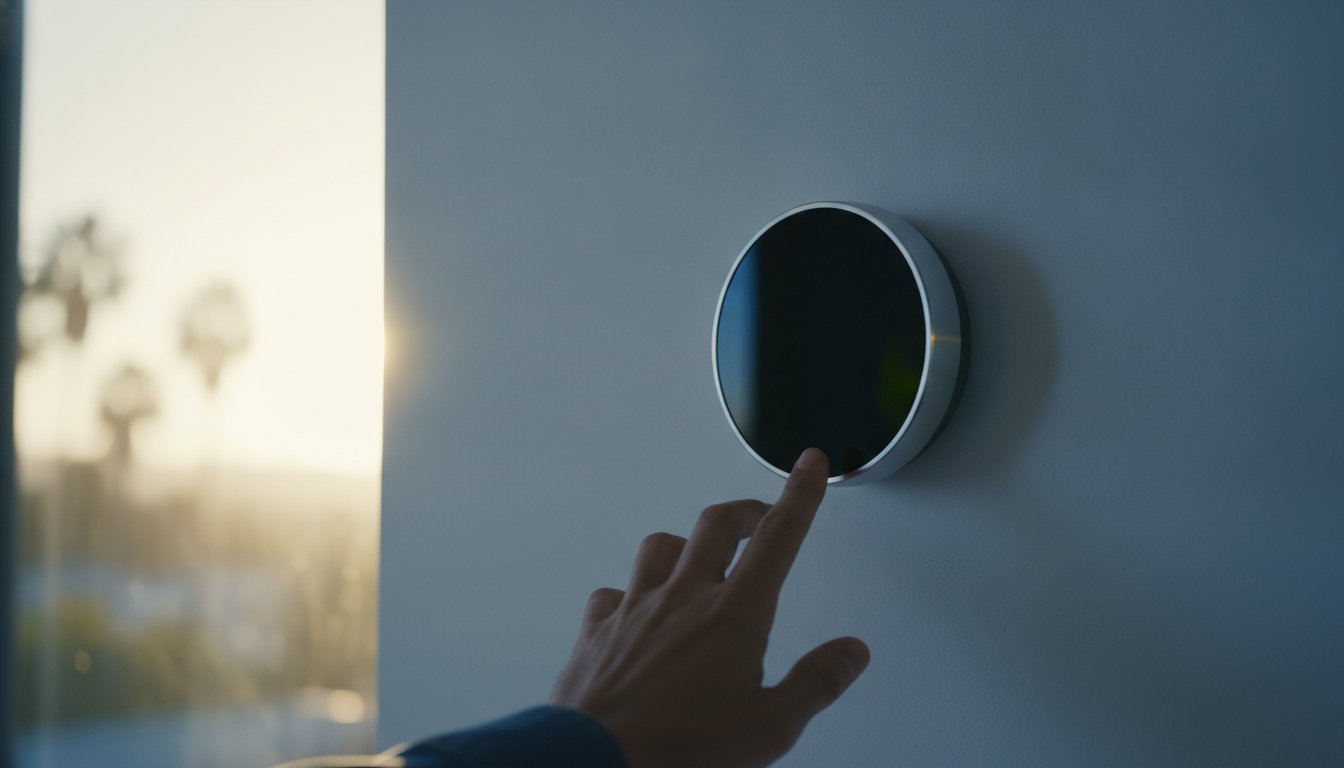
When the lights finally flicker back on after a Southern California blackout, the last thing you want to see is a blank screen on your wall while the LA heat begins to creep indoors. If you find your thermostat not working after a power outage, you're likely wondering whether a simple reset will restore your cooling or if a surge has caused permanent damage to your system's brain. It's completely normal to feel a bit of panic when your home comfort is on the line, especially with the rising frequency of grid interruptions we've seen in Los Angeles recently.
We understand that you want your HVAC system back up and running without the fear of an unexpected, expensive repair bill. In this guide, we'll walk you through a clear, step-by-step troubleshooting process to help you identify the problem. You will discover how to handle specific error codes for brands like Nest, Ecobee, and Honeywell, and learn why current California electrical codes now emphasize surge protection for your home's most sensitive equipment. Whether it's a tripped breaker or a communication lockout, we'll help you get your home feeling like home again.
Key Takeaways
- Learn how to determine if a blank screen is a simple power issue or a software glitch caused by a sudden electrical surge.
- Master the specific reboot sequences for Nest, Ecobee, and Honeywell models to fix a thermostat not working after a power outage.
- Identify when a blown low-voltage fuse on your furnace control board is the real culprit behind an unresponsive cooling system.
- Compare point-of-use and whole-home surge protectors to find the best way to shield your HVAC system from future Los Angeles grid fluctuations.
- Recognize the critical signs of permanent hardware failure so you know exactly when to stop DIY efforts and call for a professional diagnosis.
Initial Triage: Why Your Thermostat Screen Is Blank or Unresponsive
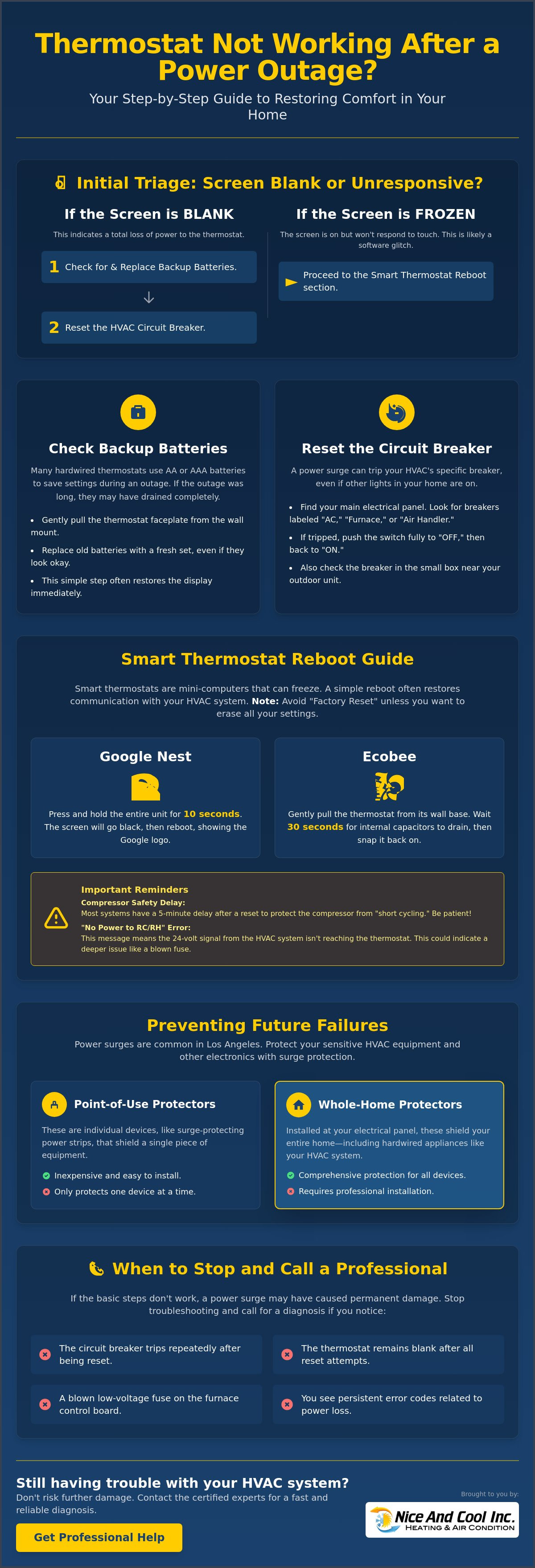
Walking up to a blank thermostat screen after the power finally returns is a common frustration for many Los Angeles homeowners. When you find your thermostat not working after a power outage, the first goal is to determine if the device has lost its power source or if a software glitch has caused a system freeze. Understanding how thermostats work helps clarify that most modern units rely on a steady 24-volt stream from your HVAC system. If that stream is interrupted by a surge, the screen goes dark. However, if the screen is lit but unresponsive to your touch, you're likely dealing with a software lockup rather than a total power failure.
There are three primary reasons for a blank screen: a tripped circuit breaker, dead backup batteries, or a triggered safety switch. Safety is always our priority, so ensure your hands are dry and you aren't standing in water before touching electrical panels or internal wiring. While most thermostats operate on low voltage, the components they connect to inside your furnace or air handler use high-voltage electricity. Distinguishing between a blank screen and a frozen one is your first step toward restoring comfort. If the display is completely black, the power path is broken. If the display shows the temperature but won't let you change settings, the internal processor likely needs a reboot.
The "Hidden" Battery Factor
Many homeowners assume their thermostat is strictly hardwired into the home's electrical system. While that's often true, many models use backup batteries to preserve your custom settings during a blackout. If the outage lasted several hours, these batteries may have drained completely while trying to keep the Wi-Fi chip active. Gently pull the faceplate away from the wall mount to check for AA or AAA alkaline batteries. Even if the old batteries look clean, replace them with a fresh set. This simple step often restores the display immediately and confirms the hardware is still functional.
Checking the Main Circuit Breaker
A power surge during restoration can trip your HVAC breaker even if the rest of your home has lights. Go to your main electrical panel and look for switches labeled AC, Furnace, or Air Handler. If a breaker has moved to the middle position, it has tripped. Use the "Double-Flip" technique: push the switch all the way to the OFF position until you hear a click, then flip it back to ON. You should also check the outdoor condenser breaker located in the small box near your exterior unit. If the thermostat not working after power outage persists after these resets, the issue may lie deeper within the system's control board or safety sensors.
Step-by-Step Reset Guide for Nest, Ecobee, and Honeywell
If you have already checked your breakers and replaced your batteries but still find your thermostat not working after power outage, your smart device likely needs a coordinated reboot. Smart thermostats are essentially small computers. When power fluctuates during a blackout, these units can experience software lockups that prevent them from communicating with your HVAC control board. A soft reset is usually the best first step. It clears the device's temporary memory without erasing your custom schedules or system configurations. You should avoid a "Factory Reset" unless you are prepared to re-program your entire system from scratch, as this will wipe all installation settings.
You might notice that even after a reset, your cooling doesn't kick on immediately. Most modern thermostats include a five-minute delay timer to protect your compressor from "short cycling." This safety feature is vital because it prevents the system from turning on and off too rapidly, which can cause significant wear. The U.S. Department of Homeland Security advises that protecting sensitive electronics from damage from electrical surges is a key part of recovery. If your screen shows a "No Power to RC/RH Wire" error, it's a sign that the thermostat isn't receiving the 24-volt signal it needs to operate your air conditioner.
Resetting Google Nest and Ecobee Units
For a Nest Learning Thermostat, press and hold the unit's display for a full 10 seconds. You'll see the screen turn black and then show the Google logo as it reboots. If you use an Ecobee, the most effective reset is to gently pull the device away from its wall base. Leave it disconnected for 30 seconds to allow the internal capacitors to drain. Once you snap it back on, navigate to the "Equipment" settings menu. This allows you to verify that the thermostat correctly identifies your AC and furnace. If the system still won't respond, a professional Air Conditioning Repair technician can help determine if the surge damaged the internal relays.
Honeywell and Traditional Digital Thermostats
Older Honeywell digital models often benefit from the "Battery Flip" trick. Remove the batteries and reinsert them backward for five seconds. This briefly reverses the polarity to clear the internal cache, then you can put them back in the correct way. If your model has a physical reset button, it's usually a small pinhole on the side or back that requires a paperclip. Once the screen returns, ensure your "Set To" temperature is at least 3 degrees below the current room temperature. This creates a clear call for cooling that overrides any internal logic delays caused by the power interruption.
Beyond the Screen: Troubleshooting the HVAC Control Board and Safety Switches
If your display is back on but your air conditioner refuses to kick in, the issue likely resides within the indoor unit's control circuitry. A thermostat not working after power outage often points to a safety lockout or a blown component inside the furnace or air handler. Your thermostat acts as the brain, but it requires a constant 24-volt signal from the system's transformer to send commands. When power is restored, a sudden spike can interrupt this communication. According to the Electrical Safety Foundation International, implementing proper surge protection for Los Angeles HVAC systems is crucial because these voltage spikes frequently bypass standard household breakers to target sensitive control boards.
The 24V transformer is the component responsible for converting your home's high-voltage electricity into the low-voltage power your thermostat needs. If this transformer fails during a surge, your thermostat will remain dark even if the rest of the house has power. However, before assuming the transformer or the entire control board is dead, you should look for simpler safety interruptions. Modern systems are designed with multiple fail-safes that intentionally cut power to prevent catastrophic hardware damage or water leaks in your home.
Checking the 3-Amp or 5-Amp Purple/Amber Fuse
Before you assume your control board is fried, check the low-voltage fuse. Most indoor units contain a small, automotive-style fuse, usually purple (3-amp) or amber (5-amp), plugged directly into the integrated tool board. This fuse is designed to blow during a surge to protect the more expensive circuitry. Turn off the power to your furnace, remove the access panel, and pull the fuse. If the metal filament inside the plastic is broken or the casing looks charred, the fuse has done its job. You can find replacements at local hardware stores or electrical supply houses throughout the city for a few dollars. Replacing this yourself can often save you from an unnecessary service call.
The Condensate Float Switch Lockout
A frequently overlooked consequence of a blackout is the failure of the condensate pump. If your AC was running when the power cut, moisture may have remained in the drain lines. Without power to pump that water away, it can back up into the P-trap or drain pan. This triggers the condensate float switch, a safety device that cuts power to the thermostat to prevent a flood. Check the white PVC pipes near your indoor unit for a small switch with wires coming out of it. If you see standing water in the pipe or the pan, the switch has rightfully disabled your system. Clearing the clog or manually draining the pan often restores the signal to your thermostat immediately.
Preventing Future Failures: Surge Protection for Los Angeles HVAC Systems
While fixing a thermostat not working after power outage restores your immediate comfort, it doesn't address the underlying vulnerability of your system. In Los Angeles, the surges that occur when LADWP or SCE restore power are often more destructive than the initial blackout. In June 2026 alone, over 6,000 customers in LA County experienced outages that put their sensitive electronics at risk. Whether you use a basic digital model or a high-end smart device, the delicate circuit boards inside your thermostat are poorly equipped to handle massive voltage spikes. This is why the 2022 California Electrical Code now mandates surge protection for dwelling units, ensuring that new installations have a dedicated line of defense.
Homeowners often choose between "Point-of-Use" protection and "Whole-Home" systems. A whole-home protector sits at your main panel, while a point-of-use device is tailored specifically for your HVAC equipment. Our Nice and Cool Club Maintenance Plan includes thorough electrical inspections to identify weak points before they lead to a failure. By monitoring the health of your capacitors and contactors, we can ensure your system is ready for the next grid event. It's a methodical way to stay ahead of the heat and avoid the stress of a sudden system failure during a Santa Ana wind event.
Installing an HVAC-Specific Surge Protector
We highly recommend installing a specialized surge suppressor directly at your outdoor disconnect box. These devices act as a sacrificial barrier. If a massive surge hits, the protector absorbs the electrical hit and "dies" to save your $5,000 compressor or control board. When you consider that a dedicated HVAC surge protector typically costs significantly less than a single emergency repair visit, the investment provides immense peace of mind. It's a simple, proactive way to protect the craftsmanship of your cooling system and ensure your thermostat remains functional through every grid fluctuation.
LADWP and SCE Grid Reliability in 2026
Understanding the difference between a total blackout and a "brownout" is essential for protecting your motors. A brownout occurs when voltage drops significantly, causing your AC motor to struggle and overheat. This is particularly dangerous for high-efficiency units, which we detail in our AC Installation Guide. To minimize strain, try "pre-cooling" your home during the morning hours before a predicted heat wave puts stress on the local grid. If you are concerned about your system's electrical health, you can schedule a professional Air Conditioning Repair diagnostic to verify your surge protection is still active.
Professional Diagnosis: When a Power Outage Causes Permanent Damage
Sometimes, even the most diligent troubleshooting cannot overcome the physical damage left behind by a massive electrical surge. If your thermostat not working after power outage persists despite checking the breakers and replacing the batteries, it is time to consider that the internal hardware may have reached its limit. While we always encourage homeowners to handle the basics, there is a point where further DIY efforts can risk damaging more expensive components like the compressor or the fan motor. Knowing when to step back is a vital part of being a responsible homeowner and protecting your long-term investment.
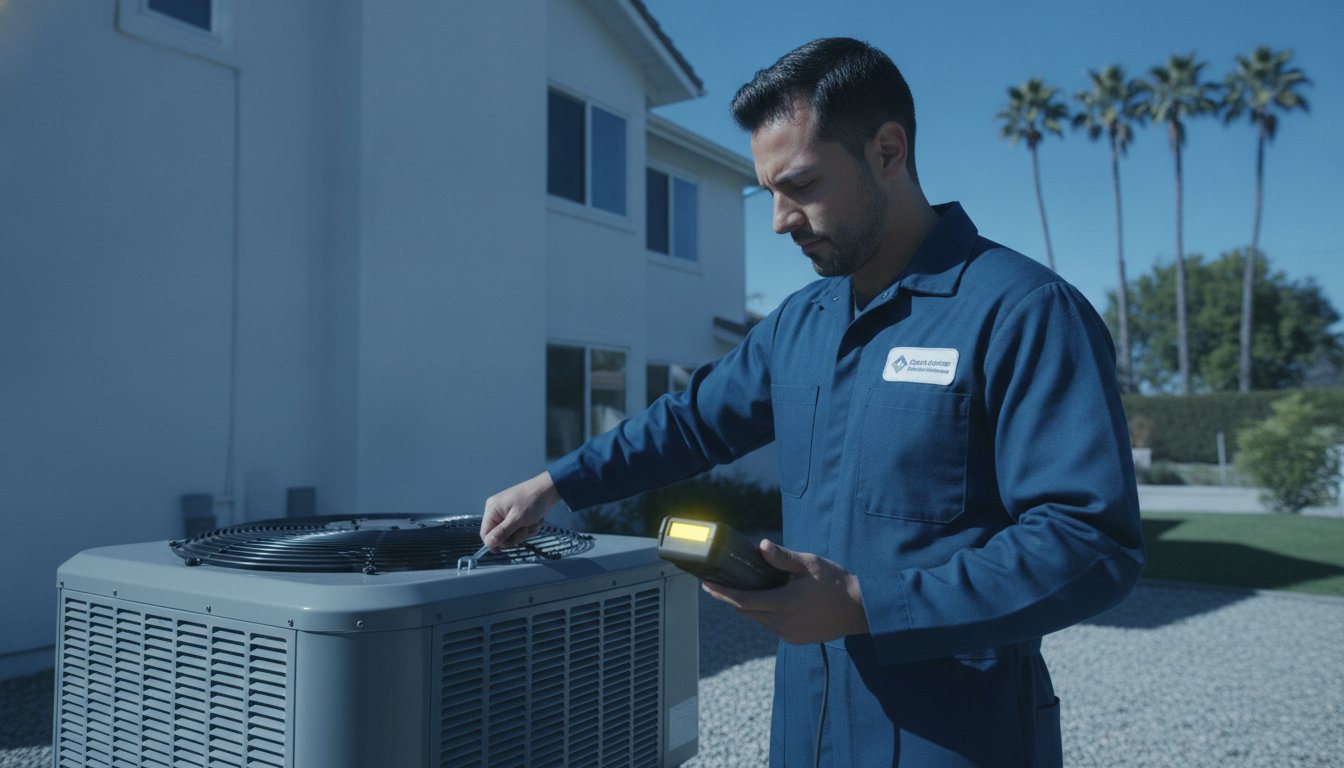
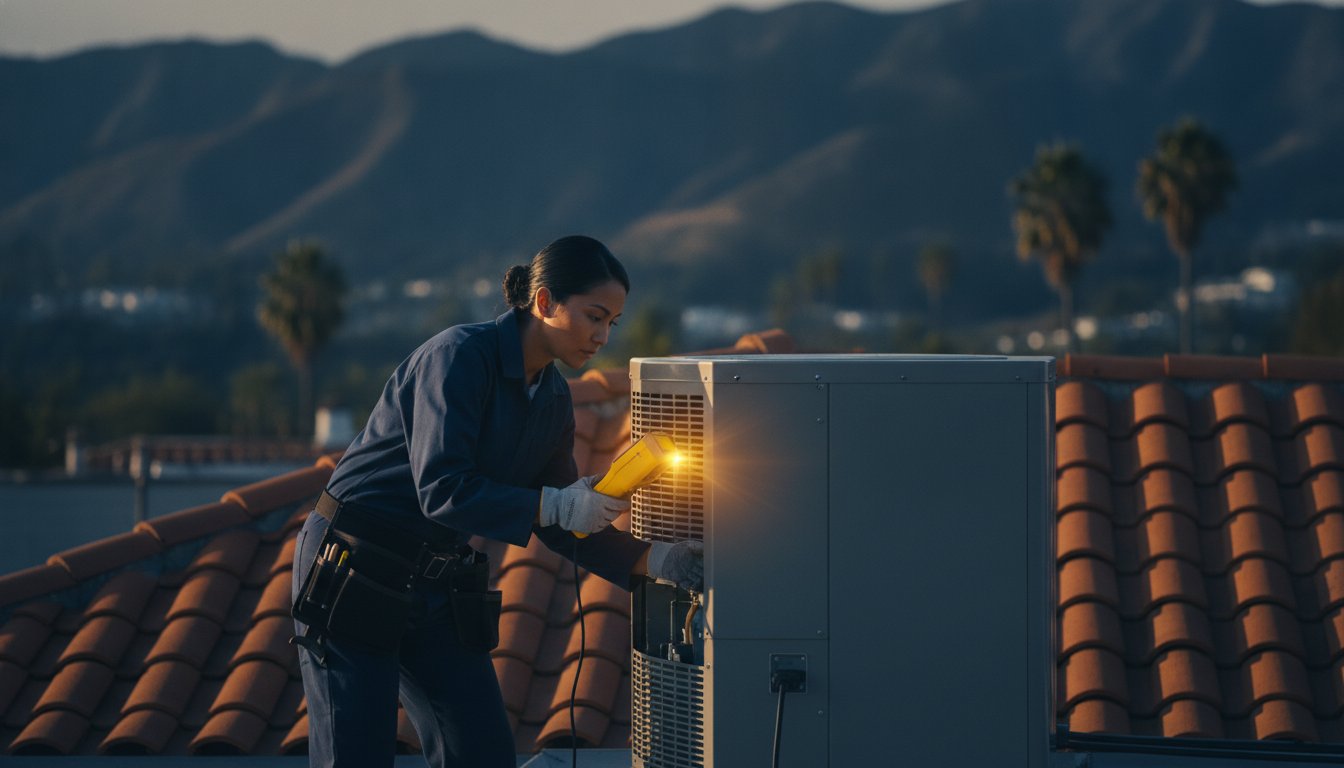
Our technicians approach these situations with a methodical and calm eye. We don't just guess at the problem; we use precision voltmeters to trace the 24V signal from your thermostat's wall mount all the way back to the indoor unit's control board. Whether the issue is a failed transformer that can no longer convert power or a fried relay on the circuit board, we identify the exact point of failure. If your system is over 12 years old, a severe power surge might be the final push toward needing AC Replacement in Los Angeles. In these cases, we provide a clear, honest assessment of whether a repair is a dependable solution or if a new, high-efficiency system would better serve your family's comfort.
Signs of Electrical Component Failure
Recognizing the physical signs of a "fried" system can save you hours of frustration. If you notice a faint, acrid "burnt electronics" smell near your air handler or the thermostat itself, this is a clear indicator that a surge has melted a capacitor or a trace on the control board. You should also listen for unusual sounds. If you hear a constant humming coming from your indoor unit but the fan refuses to engage, the motor's start capacitor may have failed. Finally, if the thermostat screen stays blank even after you've confirmed the 3-amp fuse is intact, the internal processor has likely suffered permanent damage from the voltage spike.
The Nice and Cool Approach to Post-Outage Repairs
As a family-oriented business with deep roots in the community, our philosophy is grounded in a "Repair over Replace" mindset. We understand that an unexpected HVAC failure is stressful, so we aim to restore your comfort as affordably and reliably as possible. If the damage is extensive, we take the extra step to document our findings with photos and technical notes. This documentation can be vital if you need to file an insurance claim for electrical damage caused by local grid failures from LADWP or SCE. We treat your home with the same level of care and craftsmanship we would our own. To get an expert opinion on your system's health, Schedule a professional diagnostic visit with Nice and Cool Inc. today.
Restore Your Home Comfort and Protect Your Investment
Dealing with a thermostat not working after power outage can be a stressful experience, but most issues can be resolved with a methodical approach. By starting with simple battery replacements and breaker resets, you can often bring your system back online without professional intervention. If the display remains dark or the cooling won't engage, checking your low-voltage fuses and condensate float switches is the next logical step in protecting your home from the Los Angeles heat. These proactive measures ensure your HVAC system remains a reliable partner in your domestic comfort.
If your troubleshooting leads to a suspected fried control board or a failed transformer, it is time to call in the specialists. Nice and Cool Inc. has been family-owned and operated since 2005, serving Los Angeles County with 5-star expertise. We are specialists in high-efficiency AC and Heat Pump repairs, and we take pride in tailoring our services to your specific needs. Whether you need a simple relay replacement or a full system evaluation, we are here to provide peace of mind and long-term reliability.
Get Expert Help from Nice and Cool Inc. Today and let us help you stay cool through every grid fluctuation. You've done the hard work of identifying the problem; now let our seasoned experts finish the job with the craftsmanship your home deserves.
Frequently Asked Questions
How do I reset my thermostat after a power outage?
Resetting your thermostat depends on the specific model you have installed. For a Google Nest, press and hold the display for 10 seconds until the screen reboots; for an Ecobee, remove the unit from the wall base for 30 seconds to clear its cache. If you use a traditional digital model, simply removing the batteries and reinserting them after a minute usually restores the system settings.
Why is my thermostat screen blank even though the power is back on?
A blank screen typically indicates that the 24-volt power path to the device is broken. This is often caused by a tripped HVAC breaker in your main electrical panel or a blown low-voltage fuse on the furnace control board. If you find your thermostat not working after a power outage, you should also check the backup batteries, as they may have drained while trying to maintain a Wi-Fi connection during the blackout.
Can a power outage damage my AC unit's thermostat?
Yes, the sudden surge of electricity when power is restored is the primary cause of hardware damage. While the outage itself is harmless, the subsequent voltage spike can fry the sensitive microchips or the internal relays inside your thermostat. This is why we recommend installing dedicated surge protection to safeguard your system brain from the unpredictable Los Angeles grid fluctuations.
What does 'Wait' or 'Cool On' flashing mean after a power outage?
These flashing messages indicate that your system is in a "short-cycle" protection delay. This is a vital safety feature that prevents the compressor from restarting too quickly, which protects the motor from mechanical failure. If you see these indicators, simply wait five minutes for the timer to expire, and your cooling should begin normally once the system confirms it's safe to start.
Should I turn off my AC during a power outage?
We recommend turning off your air conditioner at the thermostat or the breaker as soon as the power goes out. This proactive step protects your equipment from the initial, often unstable surge of electricity that occurs when the grid comes back online. Once the power has been restored and remains stable for a few minutes, you can safely turn your system back on.
Why is my AC blowing warm air after the power came back on?
Warm air usually means your indoor blower fan is working, but the outdoor condenser unit has not started. This frequently happens if the outdoor circuit breaker tripped during the surge or if the compressor's safety lockout was triggered. Check your main electrical panel for any tripped breakers labeled "AC" or "Condenser" to ensure both parts of your system are receiving power.
How much does it cost to fix a thermostat fried by a power surge?
The cost to fix an unresponsive thermostat depends entirely on which component failed. If a simple 3-amp fuse on your control board saved the system, the repair is relatively minor; however, replacing a fried control board or a high-end smart thermostat requires more time and hardware. A professional diagnostic visit is the most reliable way to identify the damage and receive an accurate repair estimate.
Is there a fuse in my thermostat that could have blown?
Most thermostats do not contain an internal fuse, but they are protected by a fuse located on the HVAC control board inside your furnace or air handler. This automotive-style fuse, typically purple or amber, is designed to blow during a surge to prevent damage to the more expensive electronic components. If your thermostat display is dark, this fuse is one of the first things a technician will check.
Frequently Asked Questions
Many homeowners assume their thermostat is strictly hardwired into the home's electrical system. While that's often true, many models use backup batteries to preserve your custom settings during a blackout. If the outage lasted several hours, these batteries may have drained completely while trying to keep the Wi-Fi chip active. Gently pull the faceplate away from the wall mount to check for AA or AAA alkaline batteries. Even if the old batteries look clean, replace them with a fresh set. This simple step often restores the display immediately and confirms the hardware is still functional.